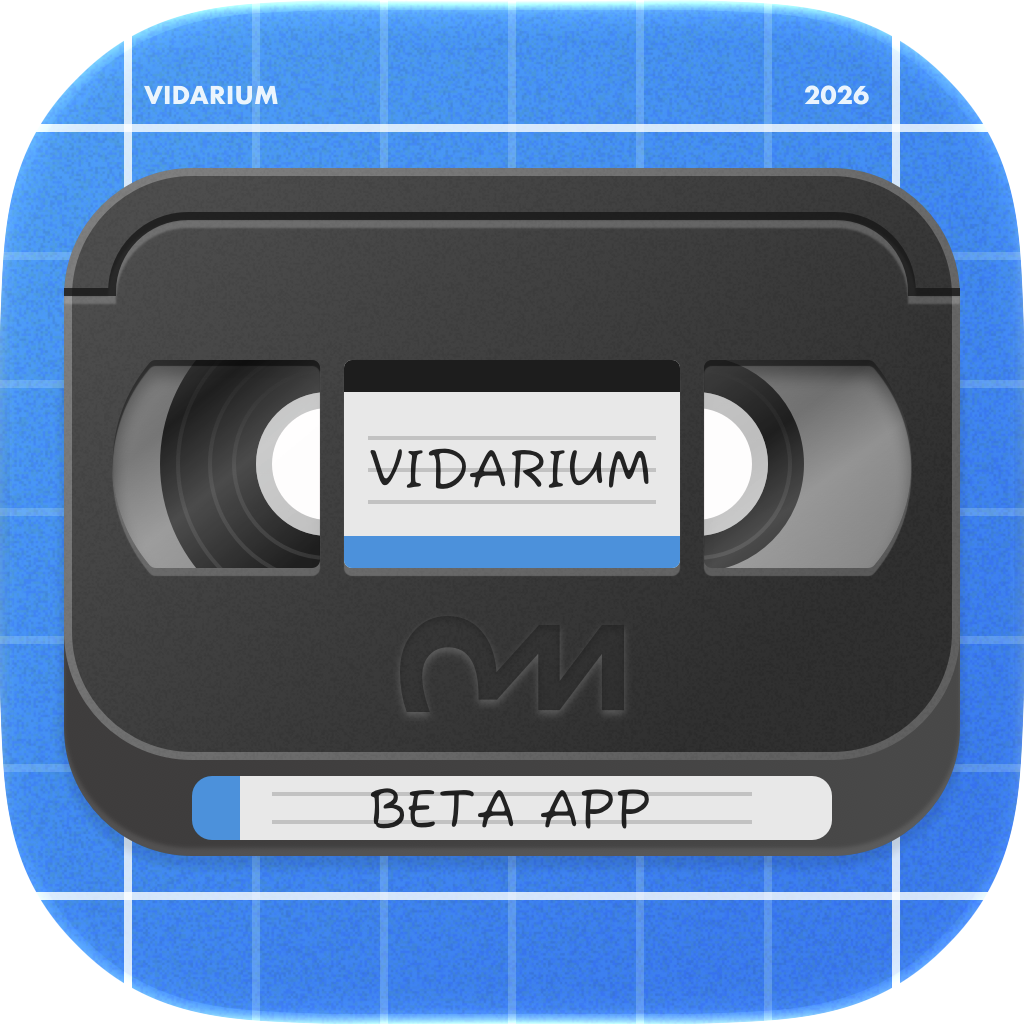
Vidarium is now in public beta — come test it
I’m excited to open up testing for something new: Vidarium, a local-first video library manager for the Mac, iPad, and iPhone. If you’ve got a folder (or a drive, or several) full of video that Photos won’t touch and Finder previews as blank grey rectangles, this one’s for you.
You can join the TestFlight beta right now:
👉 Join the Vidarium beta on TestFlight
What is Vidarium?
Think Lightroom for your videos — but without the subscription, and without importing everything into a walled garden. Vidarium leaves your files exactly where you put them and adds a fast, beautiful organizational layer on top: thumbnails for any format, hover-to-scrub previews, folders, tags, people, collections, and smart searches.
The name says it: a vidarium is a place for your videos — like an aquarium or a terrarium.
Why you might like it
- Thumbnails for formats nothing else previews. MKV, AVI, WMV, MOV, MP4 and more all get crisp poster frames — including the ones Finder and Quick Look leave empty.
- Hover to scrub. Move your pointer across a clip and Vidarium plays a multi-frame preview, so you can find the right video without opening a thing.
- Your files stay put. Vidarium points at the folders you already have. It never copies your originals into a hidden database and never moves them behind your back. Delete the app and your videos are completely untouched.
- Organize the way you think. Hierarchical folders (that can mirror your disk or stay purely in-app), plus tags, people, collections, ratings, and a rule editor for saved searches like “4K clips of the kids from last summer, rated 4+.”
- One iCloud library that just works. Keep a single library in sync across your devices. Your organization syncs instantly, and the actual files download on demand — clearly marked when they’re not local, never mistaken for missing, never silently deleted.
- No server, no lock-in, no account, no tracking. It’s a local-first app, not a streaming box. Optional iCloud is there if you want it — and only if you want it.
Requirements
Vidarium requires macOS 26 or later on the Mac, and it runs natively on iPhone and iPad too — one app across all three, built with SwiftUI.
It’s a beta — I need your feedback
This is early software, so expect some rough edges. That’s exactly why it’s in TestFlight. If you run into a bug, a format that won’t thumbnail, a sync hiccup, or you just have a “why doesn’t it do this?” thought — please send it my way. Every report genuinely shapes where Vidarium goes next.
The best way to reach me is the in-app support dialog, which sends along the details I need to actually track things down:
- On iPhone and iPad: open the menu on the initial list screen and choose Contact Support.
- On macOS: choose Help → Contact Support in the menu bar.
Ready to try it?
👉 Join the Vidarium beta on TestFlight
Thanks for testing — I can’t wait to hear what you think.